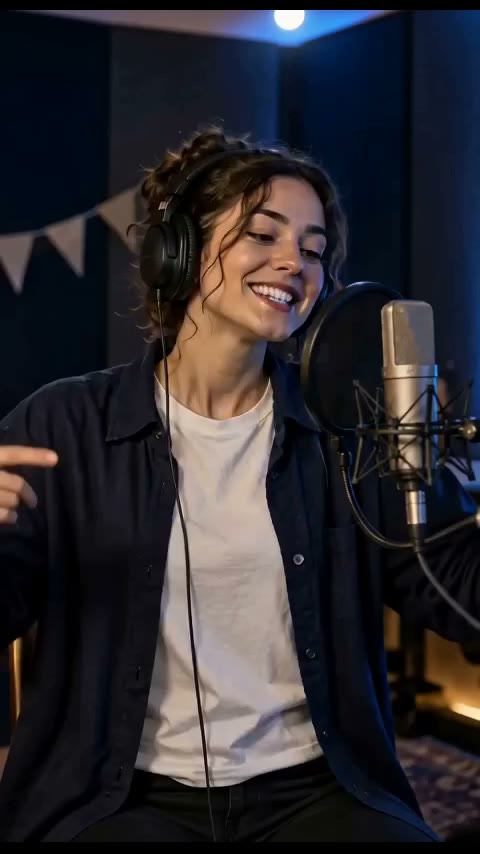
Solo rap example 1 · 10s
480p · 9:16
Watch this exampleStart with a portrait, add a story, and create a short AI rap music video with generated lyrics, vocals and music. This guide explains what to prepare before using the generator.
Create your rap videoA sharp face with even lighting is a better starting point than a distant crowd shot, tiny crop or covered face. Stage covers illustrate mood; do not expect an exact background copy.
480p · 9:16
Watch this example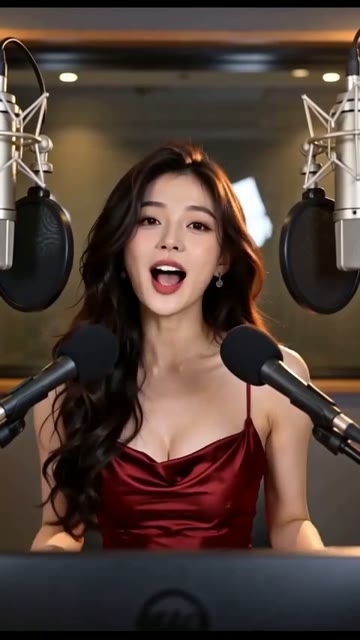
480p · 9:16
Watch this exampleThe creator shows the required credits for your selected mode and output settings. Paid regeneration is a new creation with its own cost; watching these public examples does not start a generation.
Pricing and credit packsNo recording is required for the current photo-to-rap flow. The tool generates lyrics, vocals and music; a photo is not proof of a person’s real voice.
No. Each creation can differ in appearance, stage, performance and timing. Use examples to understand the format, not as a guaranteed outcome.
Use the pricing page for credit packs and the help page for creation costs, result access and download guidance.